
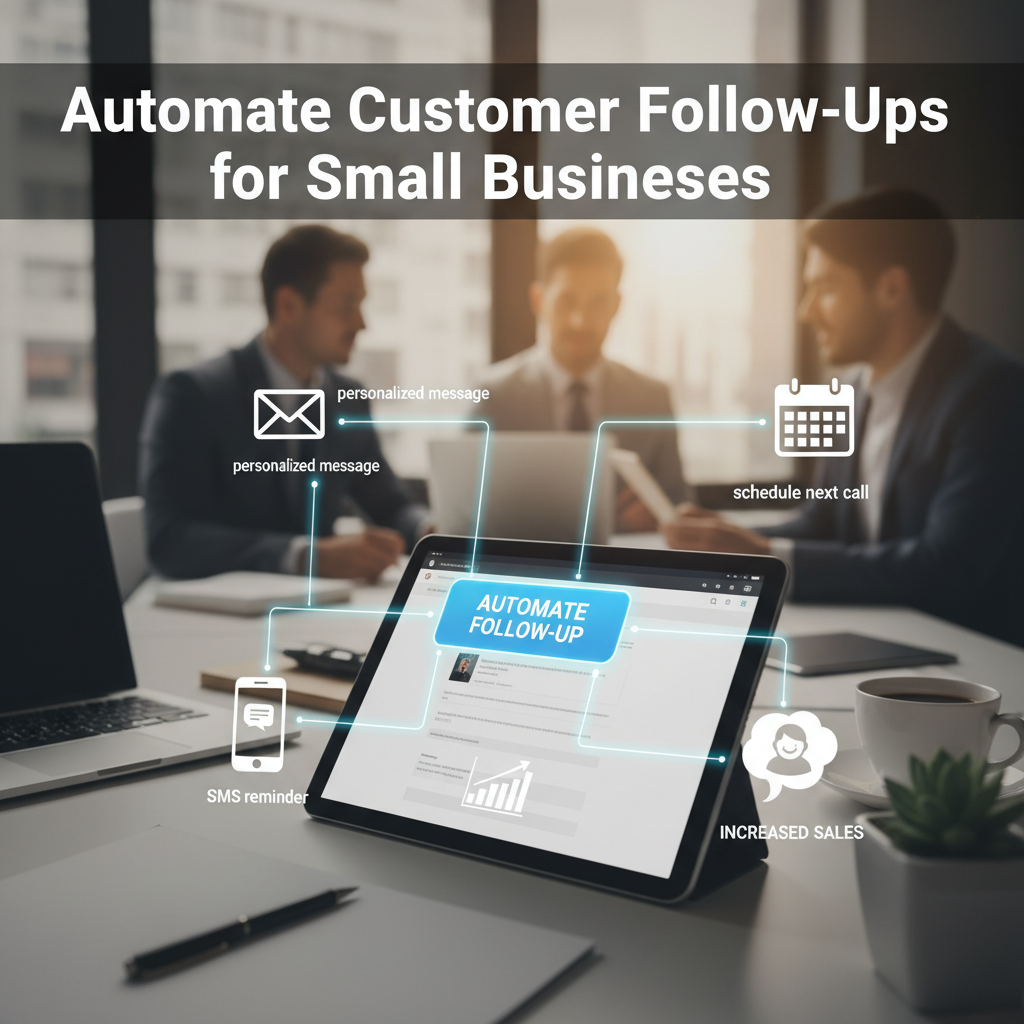
Automate Customer Follow-Ups for Small Businesses
How Small Businesses Can Automate Customer Follow-Ups Without Hiring More Staff
Every small business owner knows the golden rule of sales and customer retention: follow-up is everything. Whether you run a local boutique, a digital marketing agency, or a boutique consultancy, checking in with leads and past clients is what turns a one-time interaction into a loyal, lifelong relationship. Yet, finding the time to manually send personalized emails, text messages, and reminders can feel like an impossible hurdle when you are already wearing a dozen different hats. Fortunately, you do not need to expand your payroll or burn yourself out to keep communication flowing seamlessly.
Embracing modern technology allows you to put your communication workflows on autopilot while still delivering a warm, personalized touch. By implementing smart automation tools, you can nurture leads, confirm appointments, request feedback, and re-engage inactive buyers without lifting a finger after the initial setup. Let us dive into how you can transform your customer journey and scale your operations efficiently.
The True Cost of Manual Follow-Ups
Manual follow-ups are a notorious productivity killer. When you rely solely on memory or sticky notes to remind yourself to email a prospect three days after a consultation, things inevitably slip through the cracks. Busy days take over, urgent fires need putting out, and potential clients drift away toward more responsive competitors.

Beyond lost sales, manual processes drain your mental energy. Repetitive administrative tasks consume hours that could otherwise be spent on high-value strategy, product development, or face-to-face client interactions. Automating these touchpoints not only ensures that no lead is ever forgotten, but it also frees up your schedule to focus on growing your enterprise.

Essential Touchpoints You Should Automate
Not every interaction needs automation, but several key milestones in the customer lifecycle are prime candidates for set-and-forget workflows. Mapping out these touchpoints helps create a smooth experience for your audience.
1. Lead Capture and Instant Acknowledgment
When someone fills out a contact form on your website, speed matters immensely. Research shows that responding to a lead within minutes drastically increases your chances of conversion. An automated instant reply lets the prospect know their message was received, sets expectations for a real response, and can even link to helpful resources or a booking calendar right away.
2. Post-Purchase and Onboarding Sequences
The sale is never the end of the road; in many ways, it is just the beginning. Setting up a sequence of welcome emails helps new buyers get the most out of your product or service. You can share tips, answer frequently asked questions, and check in after a week to see if they need additional support.
3. Review and Feedback Requests
Word-of-mouth and online reviews are vital for local and online enterprises alike. Once a service is completed or a product is delivered, trigger an automated message asking for feedback. Timing is everything here, so schedule the request for a few days after delivery when the experience is still fresh in their minds.
Choosing the Right Tools for Your Workflow
You do not need an enterprise-grade software suite to get started. Today’s market is full of user-friendly, affordable platforms designed specifically for smaller teams. Look for customer relationship management (CRM) software that integrates easily with your existing website builder, email provider, and calendar tools.
When evaluating software, prioritize platforms that offer visual workflow builders. These drag-and-drop interfaces let you map out conditional logic—such as sending a different follow-up email if a contact opens your first message versus ignoring it. Keeping your tech stack simple ensures your team can adopt it quickly without a steep learning curve.
Best Practices for Keeping Automation Personal
One common fear about automation is that it will make your business sound robotic and cold. However, when done right, automated messaging can actually feel more relevant and timely than manual outreach.
Use dynamic tags: Always pull in the recipient’s first name, company, or specific product purchased to keep the tone conversational.
Segment your audience: Tailor your sequences based on what your contacts are actually interested in rather than blasting everyone with the same generic message.
Review and refine: Periodically check your open rates, click-through rates, and reply rates to see what is resonating and where drop-offs occur.
Conclusion
Scaling your operations does not automatically require expanding your headcount. By setting up thoughtful, automated customer follow-up systems, you can build stronger relationships, close more deals, and save countless hours each week. Take a look at your current client journey today, identify one repetitive touchpoint, and set up your first automated workflow. Your future self—and your bottom line—will thank you.